
Let’s keep this super simple.
Phishing is an online scam where someone pretends to be a trusted person or company just to trick us into giving sensitive information. That’s it. No complicated tech magic. Just deception.
And the information they want?
- Passwords
- ATM / Debit card details
- OTP codes
- Bank account numbers
- UPI PIN
- Email login
- Social media login
- Aadhaar or PAN details
Their goal is always the same — take your money, steal your identity, or hijack your accounts.
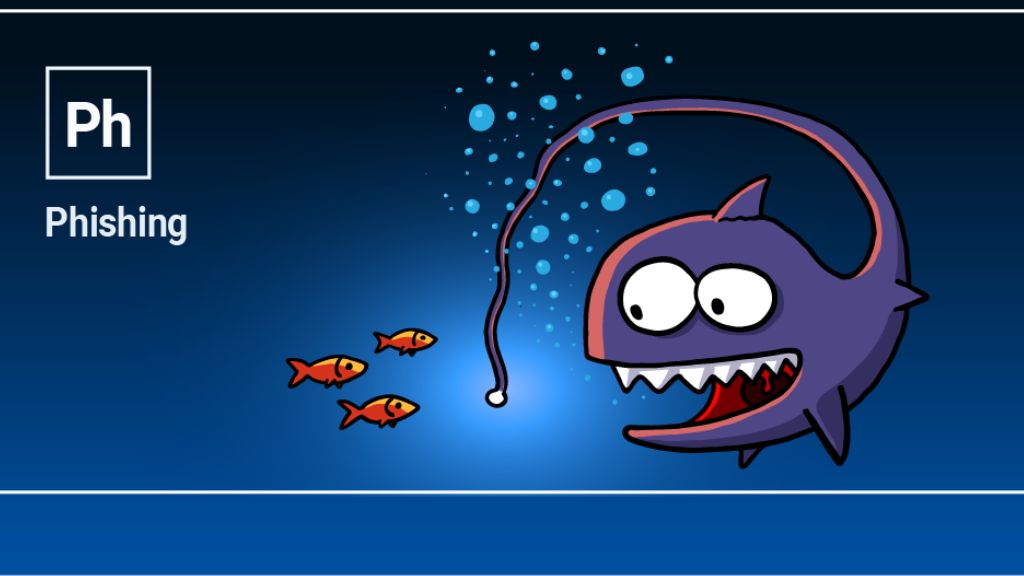
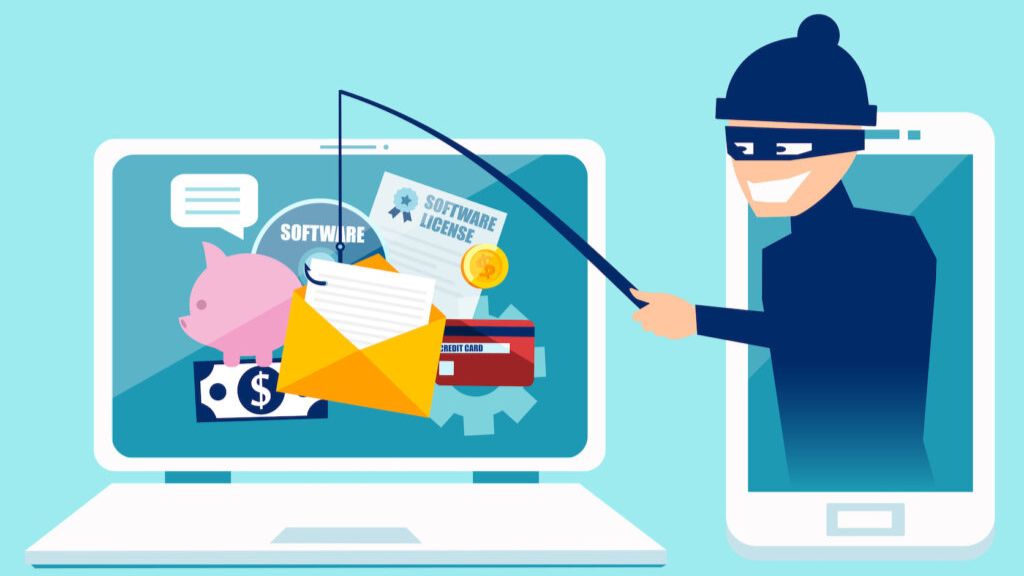
The word “phishing” actually comes from “fishing.” Think about it. The scammer throws a fake message like bait. If we bite — click the link or share details — they hook us.
Why Phishing Is Growing So Fast
To be honest, phishing is exploding because criminals don’t need advanced hacking skills anymore. They just need to understand human emotions.
And honestly speaking, that’s scary.
Most cybercrime today doesn’t happen because someone cracked your password using some secret software. It happens because someone scared you, rushed you, or excited you.
They target:
- Students
- Job seekers
- Online shoppers
- Social media users
- Small business owners
- Elderly people
They play with emotions:
- Fear: “Your bank account will be blocked!”
- Urgency: “Your parcel is stuck. Pay ₹49 now!”
- Excitement: “You won a lottery!”
- Greed: “Earn ₹5,000 daily from home!”
In that one moment of panic, we react fast. And that’s exactly what they want.
How a Phishing Attack Actually Works
There’s usually a pattern.
Step 1: Fake Identity
The scammer pretends to be a trusted brand like:
- State Bank of India
- HDFC Bank
- ICICI Bank
- Amazon
- Flipkart
- Paytm
- PhonePe
- Google Pay
They copy logos, colors, everything.
Step 2: They Contact You
Through:
- SMS
- Phone call
- Instagram or Facebook
Step 3: They Create Pressure
“Your KYC expired.”
“Account suspended.”
“Refund pending.”
“Electricity bill overdue.”
Notice the pattern? Urgency.
Step 4: Fake Link
You get a link that looks real.
Real: amazon.in
Fake: amaz0n-in.co
Most of us don’t notice that tiny difference.
Step 5: You Enter Details
OTP.
Password.
Card number.
UPI PIN.
Step 6: Damage Happens
Within minutes:
- Money gone
- Instagram hacked
- Email locked
- Contacts messaged
It’s that fast.
Common Types of Phishing
1. Email Phishing
Classic method.
You get an email saying:
“Suspicious activity detected. Login immediately.”
You click.
Fake login page opens.
You enter password.
Attacker gets access.
Simple. Dangerous.
2. SMS Phishing (Smishing)
Very common in India.
“Dear customer, your bank KYC expired. Update now to avoid freeze.”
You click → fake bank site → details stolen.
3. Voice Phishing (Vishing)
Someone calls you pretending to be:
- Bank officer
- Insurance agent
- Telecom support
- Courier executive
They ask for OTP or UPI approval.
Let me say this clearly:
No real bank will ever ask for your OTP or PIN. Ever.
4. WhatsApp Phishing
This one spreads like wildfire.
Messages like:
“Vote for my child.”
“Is this your photo?”
“Government subsidy registration.”
“Work from home job.”
You click. Sometimes malware installs. Sometimes fake login page opens.
Either way, it’s bad news.
5. Social Media Phishing
You get a message on Instagram or Facebook:
“Your account violated copyright. Verify now.”
You login on a fake page.
Boom. Account gone.
6. Clone Website Phishing
This is surprisingly advanced.
Scammers copy entire websites — bank pages, courier tracking, payment gateways.
They look 99% real.
That 1% difference? Hard to notice.
A Real-Life Example
Imagine this.
You order something online.
Next day you get SMS:
“Parcel delivery failed. Pay ₹25 redelivery fee.”
Seems normal, right?
You click.
Fake courier website opens.
You enter card details and OTP.
You think you paid ₹25.
Actually?
You approved ₹25,000.
This scam is happening daily.
Warning Signs You Should Never Ignore
Watch for these red flags:
- Urgent language
“Immediate action required.”
“Blocked in 2 hours.” - Strange sender email
support-bank@secureverify.xyz - Shortened links
bit.ly/kyc-update - Asking for OTP or PIN
Biggest warning sign. - Spelling mistakes
- Unexpected PDF or APK files
If something feels rushed or threatening, pause. That pause can save your money.
Why Email Is the Most Important Account
Honestly speaking, your email is your master key.
From your email, attackers can reset:
- Banking apps
- Shopping accounts
If email is compromised, everything else becomes vulnerable.
That’s why protecting Gmail or any primary email account is more important than protecting social media.
What Happens After You Get Phished
Most victims realize only after the damage:
- Money withdrawn
- Instagram hacked
- Loan taken in your name
- Fraud purchases
Attackers quickly:
- Change password
- Change recovery email
- Enable 2FA on their device
You get locked out. Completely.
How To Protect Yourself
Let’s keep this practical.
- Never share OTP. Ever.
- Type website manually instead of clicking links.
- Check URL carefully. Look for correct spelling and https.
- Enable 2FA on everything — Gmail, Instagram, banking apps.
- Never install unknown APK files from WhatsApp.
- Avoid banking on public Wi-Fi.
- Keep your phone updated.
Small habits. Huge protection.
What To Do If You Clicked a Phishing Link
Don’t panic. Act fast.
- Disconnect internet
- Change passwords from another device
- Call your bank immediately
- Block your card
- Report cybercrime
In India, report at:
National Cyber Crime Reporting Portal
Or call 1930 (Cyber Helpline).
The first 1–2 hours are critical. Surprisingly, quick action can actually recover money in many cases.
How Businesses Are Targeted (Spear Phishing)
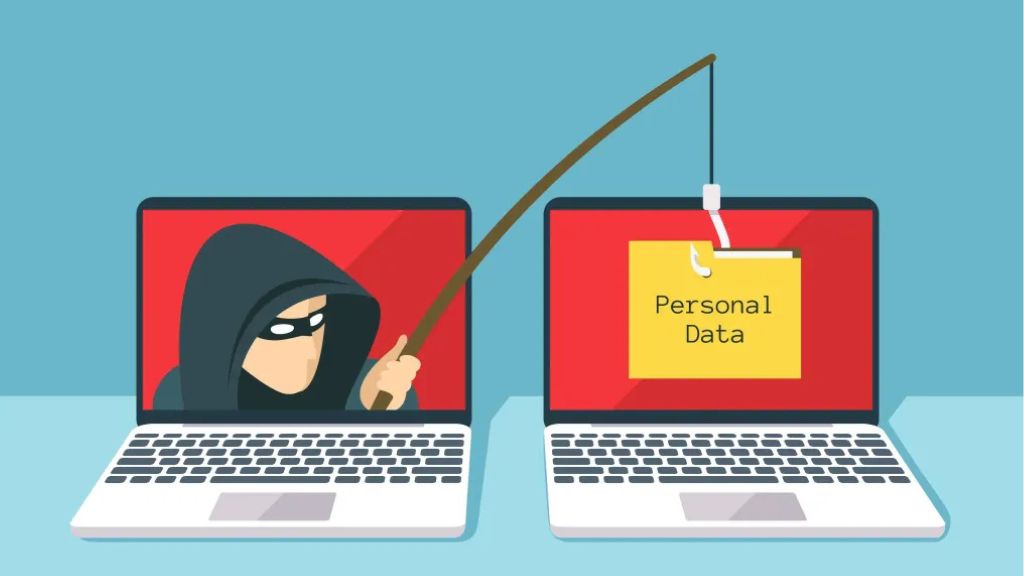
Companies face something called spear phishing.
Attackers study employees on LinkedIn.
Then send emails like:
“Invoice attached — urgent approval needed.”
Employee opens it.
Malware installs.
Company data stolen.
This isn’t random. It’s targeted.
Phishing vs Hacking
Phishing tricks people.
Hacking breaks systems.
Phishing uses fake messages.
Hacking uses technical tools.
Phishing is everywhere.
Hacking is less common for everyday people.
Honestly, most online fraud today is phishing.
The Future: Why It’s Getting More Dangerous
Now scammers use:
- AI voice cloning
- Deepfake videos
- Fake customer care numbers
- Fake Google ads
Soon, you might receive a call that sounds exactly like someone you know.
Technology is evolving fast. So awareness has to evolve faster.
Final Thoughts
Phishing works because we trust.
It doesn’t break security systems. It breaks attention. It attacks emotion. It uses fear, urgency, and excitement against us.
To be honest, the best protection isn’t antivirus software. It’s awareness. A slow response instead of a rushed one.
Next time you see an urgent message asking for OTP, just pause.
That one pause could save your money, your identity, and a lot of stress.
1 thought on “What Is Phishing? A Complete Guide to Recognize, Avoid and Stay Safe from Online Scams”