
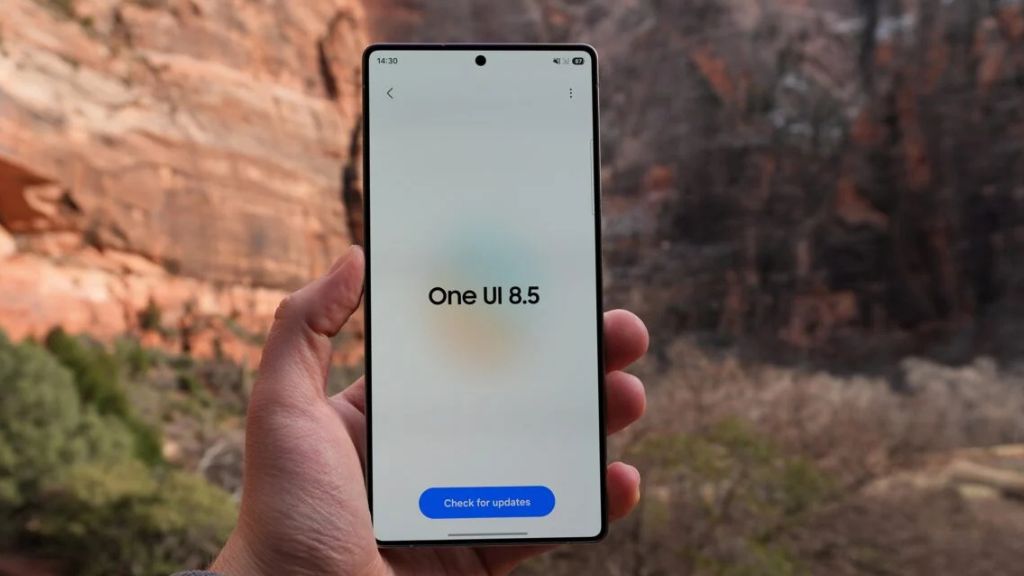
Samsung is steadily moving closer to the stable release of One UI 8.5 for the Galaxy S23 series. The company has already pushed out two beta updates, and a few more test builds are expected before the official rollout, likely arriving sometime next month.
But before that happens, a leaked changelog for the stable update has surfaced online—and it may leave some users a bit underwhelmed.
Galaxy S23 Might Miss Out on New Galaxy S26 AI Features
According to the leak, the Galaxy S23 Ultra may not receive several of the advanced AI features that debuted with the newer Galaxy S26 lineup. Some notable missing features include:
- Call Screening
- Creative Studio
- Improved AI Audio Eraser
- Notification Highlights
- Now Nudges
That said, this may not be the final version of the update. Samsung could still add some of these features before the official release, so there’s still a bit of hope.
A Fresh and More Refined Design
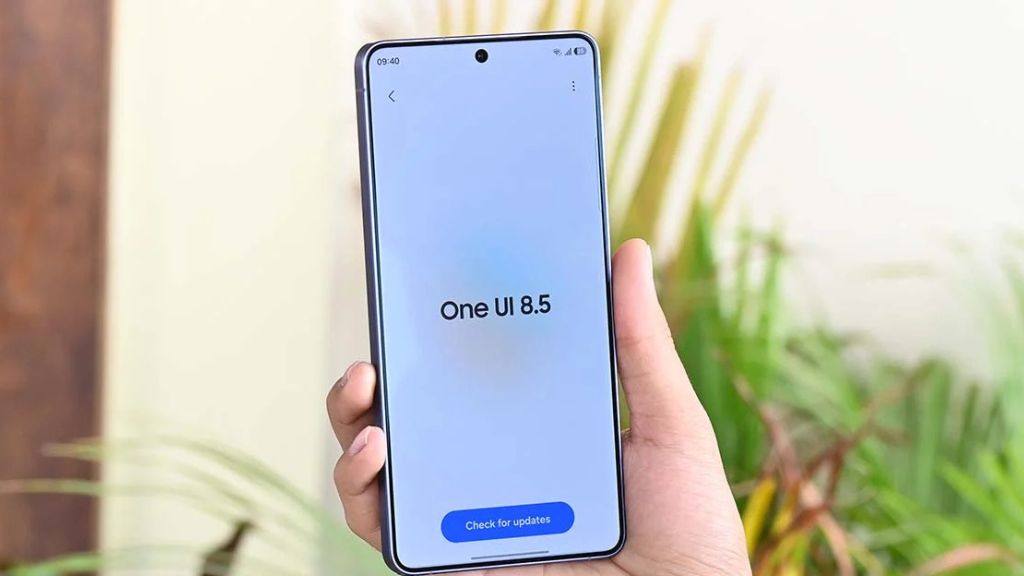
One UI 8.5 brings a more polished and modern visual experience. The interface now uses subtle blur effects and floating elements that react smoothly as you interact with your phone.
The overall design feels cleaner and more personal, making it easier to focus on what matters without unnecessary distractions.
Smarter AI and Image Creation Tools
Samsung is improving its AI capabilities, especially in creative tasks. With the updated Photo Assist, you can now generate multiple AI images continuously without saving each version separately.
Once you’re done, all generated images are stored in your history so you can review and choose your favorites later—making the whole process faster and more flexible.
Bixby Gets a Smarter Upgrade
Samsung’s voice assistant is also getting a meaningful boost. You can now talk to Bixby more naturally, without needing to use exact commands.
Whether you want quick answers or detailed information, Bixby can respond instantly—reducing the need to switch between apps or perform multiple searches. Plus, you can now easily revisit past conversations through a new history panel.
Camera and Lock Screen Improvements
Photography and personalization are getting small but useful upgrades:
- New portrait filters for film-like effects
- Automatic lock screen adjustments for better layout
- More customizable clock fonts
- New downloadable wallpapers with interactive elements
These changes aim to make your phone feel more personalized without requiring much effort.
Smarter Widgets and Everyday Tools
Samsung is also improving everyday usability:
- Weather widget now shows precipitation forecasts in graph form
- New pollen index feature helps users track allergies
- Direct voicemail lets callers leave messages without third-party apps
- Weather-based alarm backgrounds for a more contextual wake-up experience
- Time zone converter added to the Clock app
These features may seem small individually, but together they make daily tasks smoother.
Better Connectivity and File Sharing
Sharing and connecting across devices becomes more seamless:
- Storage Share lets you access files across Samsung devices
- Auto Hotspot makes internet sharing easier
- Family device sharing improves connectivity within family groups
- Faster Smart View connections for screen mirroring
Samsung is clearly focusing on building a more connected ecosystem.
Audio, Health, and Wearable Enhancements
There are also improvements for audio and health tracking:
- Enhanced Auracast features for audio sharing
- Ability to broadcast your voice using your phone
- More detailed weekly health reports
- New workout sharing options for social media
- Meditation controls directly from Galaxy Watch
- Antioxidant level measurement (on supported watches)
These updates strengthen integration between smartphones and wearables.
Battery and Performance Improvements
Battery management is now clearer and more flexible:
- Redesigned battery usage screen
- Improved Power Saving modes with more control
- Better insights into daily usage patterns
This helps users manage battery life more efficiently.
Stronger Security and Privacy Features
Security is getting a serious upgrade:
- Real-time privacy alerts for risky app permissions
- Improved theft protection features
- Temporary Auto Blocker disable option with auto re-enable
- Knox Matrix improvements for device security tracking
These additions aim to give users more control and peace of mind.
Accessibility and Productivity Upgrades
Samsung continues to improve accessibility and productivity tools:
- Easier control for Bluetooth hearing aids
- Better magnification controls with mouse and keyboard
- New pointer-based actions for improved usability
- More customizable quick settings panel
- Early reminder alerts
- Table support in Samsung Notes
- Partial screen recording
- Smarter Calculator suggestions
- DeX now remembers window layouts
These features enhance both usability and efficiency across different use cases.
Final Thoughts
While One UI 8.5 brings a wide range of improvements to the Galaxy S23 series, the absence of some next-gen AI features from the Galaxy S26 lineup may disappoint users expecting a bigger leap.
However, the update still delivers meaningful upgrades in design, usability, security, and ecosystem integration. And since this is based on a leaked changelog, there’s still a chance Samsung could surprise users by adding more features before the final rollout.
For now, it looks like a solid—but not revolutionary—update.
3 thoughts on “Samsung One UI 8.5 Update Leak: Galaxy S23 May Miss Key Galaxy S26 AI Features”